Why 3D Games Run Natively in Browsers Now — And What Changed
Ten years ago, running a 3D chess game in a browser tab was impossible without a plugin. Today it is instant. Here is what changed, and what it means for browser gaming.
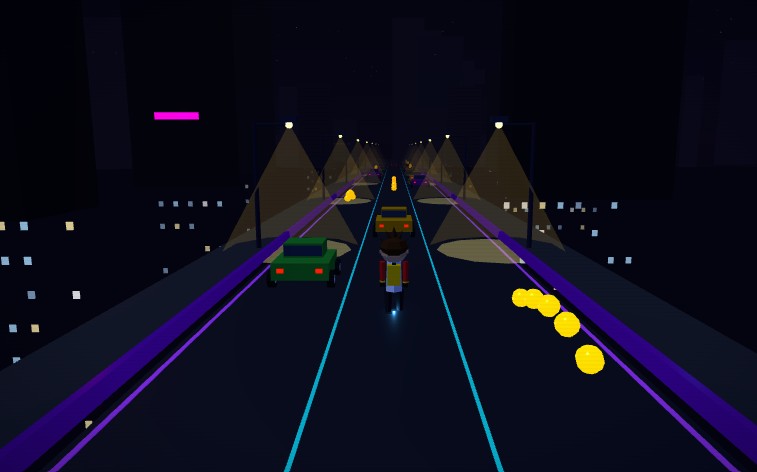
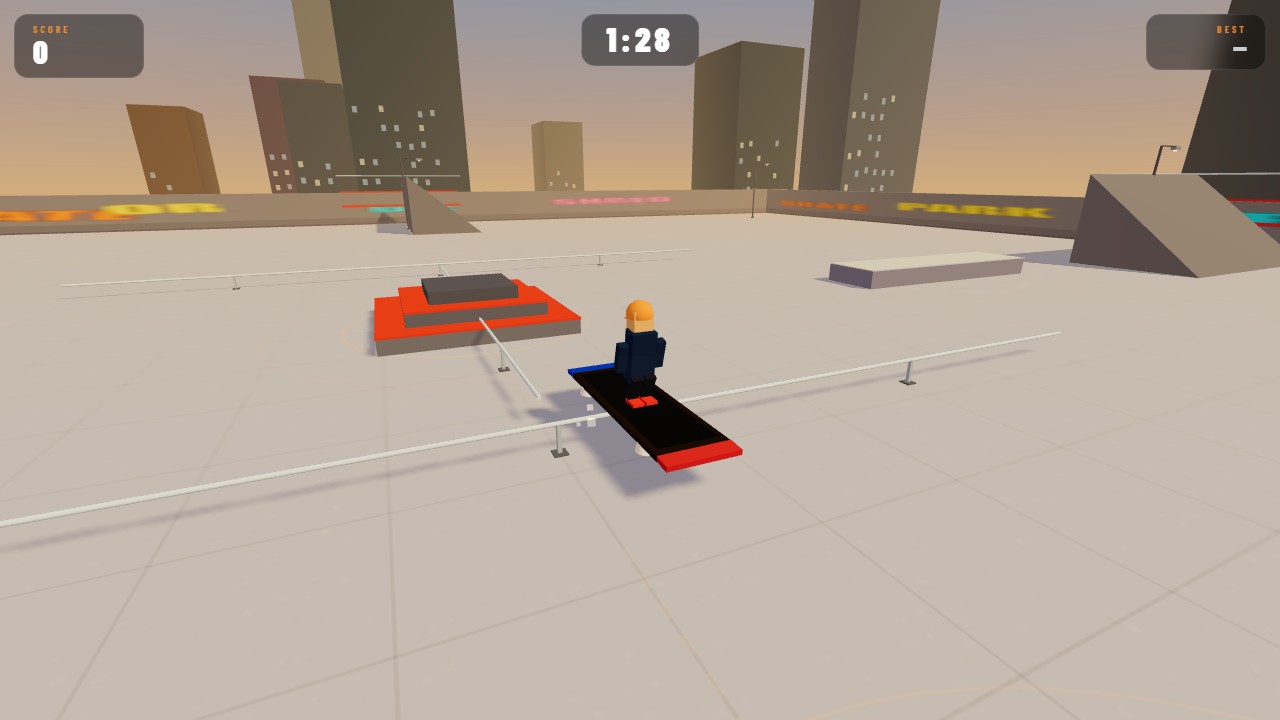
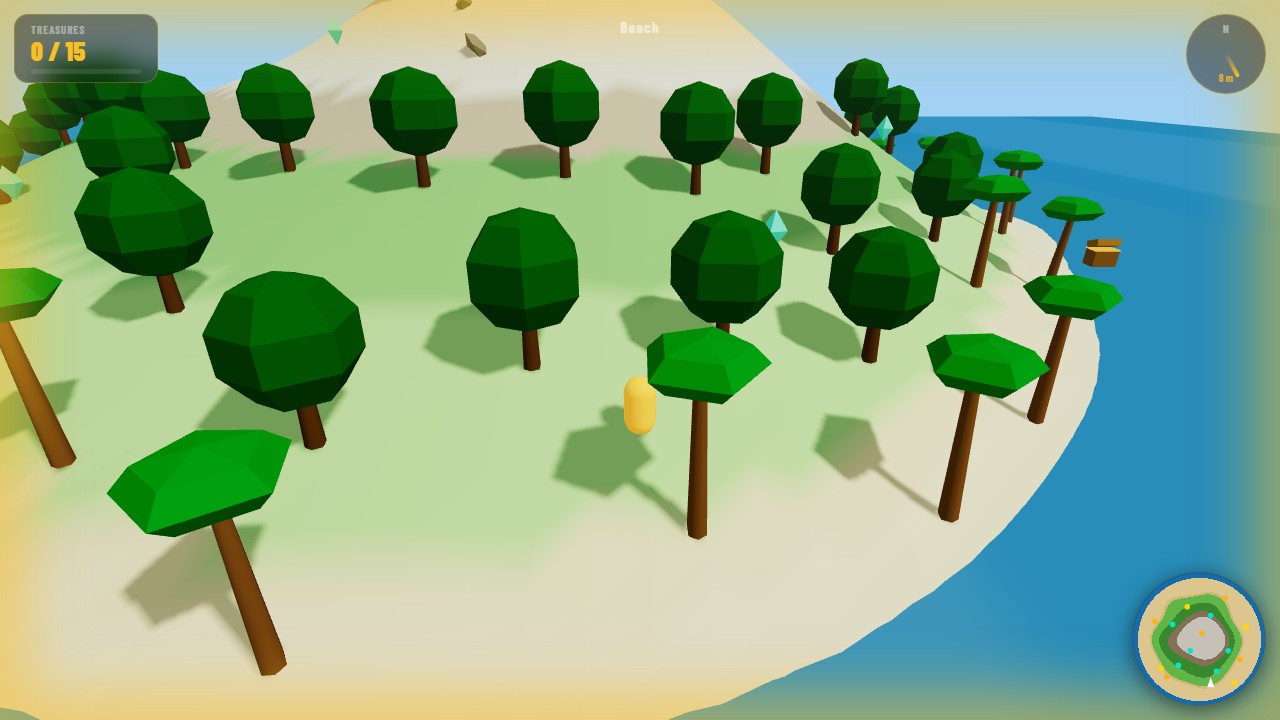
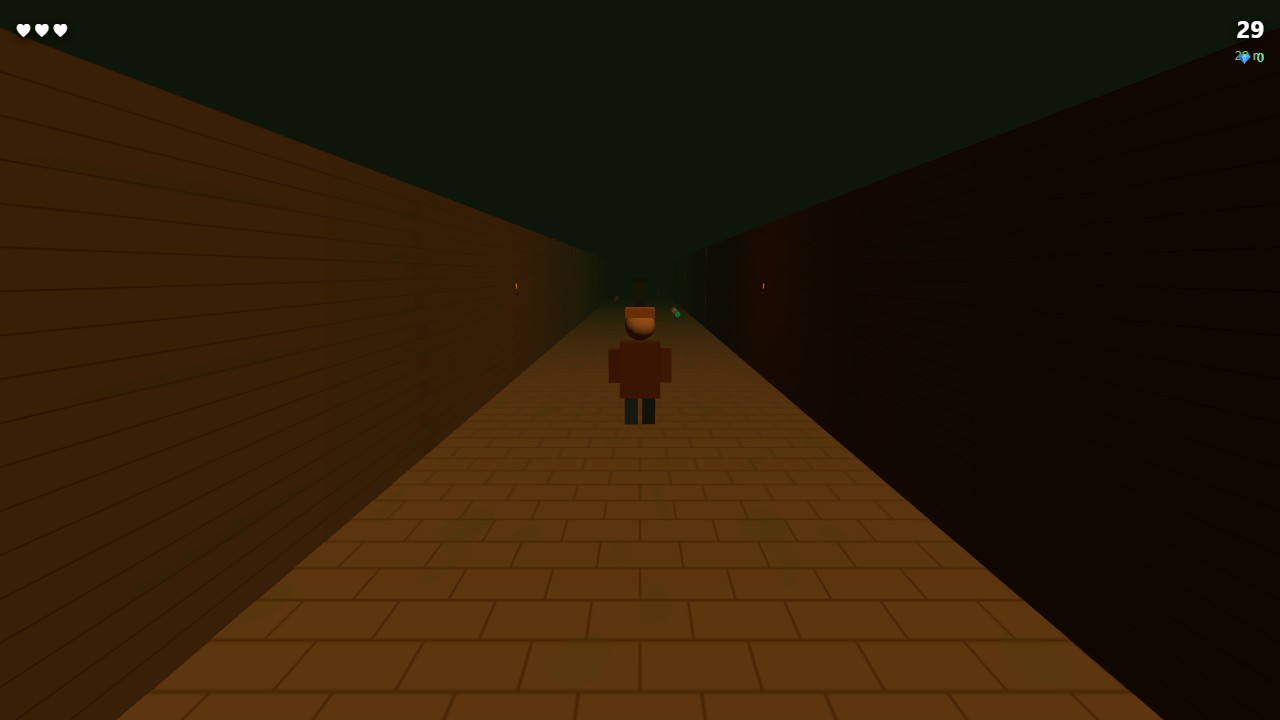
Open any game on Gameszest and it loads in seconds. A fully rendered 3D chess game with lighting, shadows, and animated pieces. A racing circuit with real-time physics. A 3D snake on a glowing neon grid. All running in a browser tab, with no install, no plugin, nothing but a URL.
Ten years ago, none of this was possible without Adobe Flash or Unity’s Web Player plugin — both now obsolete. So what changed?
Hardware Acceleration Came to the Browser
The key shift was giving web pages direct access to the device’s GPU (graphics processing unit). Before WebGL, browsers rendered everything through the CPU — fast enough for text and images, but incapable of real-time 3D.
WebGL, standardised in 2011 and refined through the 2010s, bridged that gap. It exposed OpenGL ES — the same graphics standard used in mobile game engines — as a JavaScript API. For the first time, a web page could ask the GPU to do the heavy lifting.
The result was an immediate jump in what was possible. Rendering thousands of 3D triangles per frame, which would have crushed CPU rendering, became trivial on any modern GPU.
The Plugin Era Ended — And That Was Good
Flash and Unity’s Web Player were powerful but fragile. They ran as separate processes, had independent security vulnerabilities, required manual updates, and occasionally crashed the browser tab entirely. Mobile devices never supported them properly.
When Apple refused Flash on iPhone in 2010 and Google began phasing it out of Chrome in 2016, developers were forced to migrate to web standards. The pressure accelerated HTML5 and WebGL development significantly.
By the time Adobe officially ended Flash support in 2020, WebGL had already surpassed it in raw capability for 3D applications.
Compression Made Asset Sizes Manageable
A 3D game needs models, textures, sounds, and scripts. On a desktop app, these can total gigabytes. In a browser, the same assets arrive over a network connection and must feel instant.
Modern compression techniques — GZIP and Brotli for code, KTX2 for GPU-compressed textures, and Draco for geometry — have reduced typical browser game assets from hundreds of megabytes to a few. A complete 3D chess game with all its assets can ship in under five megabytes.
Three.js Made 3D Accessible to Web Developers
Raw WebGL requires writing shader programs in GLSL (a C-like language for GPUs) and managing memory manually. Most web developers are not graphics programmers.
Three.js, an open-source JavaScript library, wraps WebGL in a friendly API. Creating a 3D scene, adding lights, loading a model, and animating it are all achievable in a few dozen lines of readable JavaScript. The result is that developers who know the web can now build 3D games without learning a new language. Every game on Gameszest — from 3D Archery to 3D Space Shooter — is built on Three.js.
What It Means for Players
The practical result is a version of browser gaming that is genuinely competitive with mobile apps for casual experiences. The games are free, instant, and do not require your device’s storage. You can play on a work computer, a library machine, or any phone with a modern browser without installing anything.
The gap between “browser game” and “real game” is the smallest it has ever been — and it keeps shrinking.