WebGL Explained: How Browser Games Went 3D Without a Plugin
How did browser games go from flat 2D Flash games to full 3D worlds running in a tab? The answer is WebGL — and it's been built into your browser for years.
If you played browser games in the 2000s, you remember the routine: click a game, wait for the Adobe Flash plugin to load, hope it didn’t crash. Flash gave browsers their first real gaming capability — but it was always a plugin, a separate piece of software sitting on top of the browser.
That era ended when Adobe killed Flash in 2020. What replaced it was something built directly into the browser itself.
What WebGL Actually Is
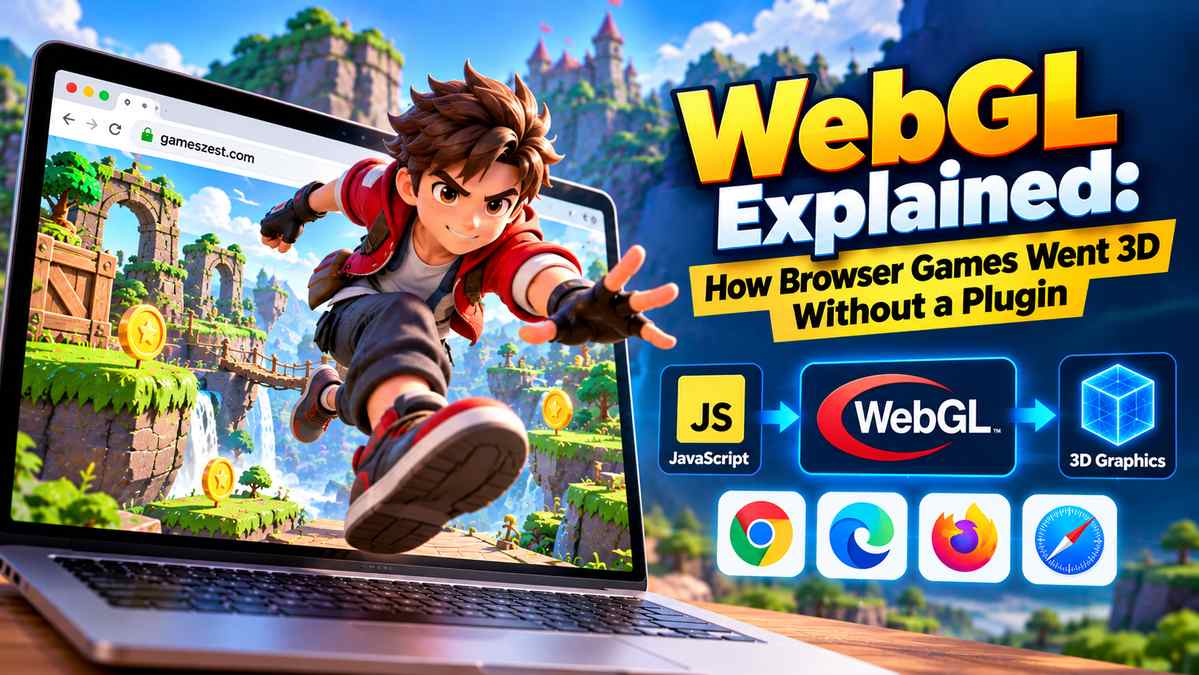
WebGL (Web Graphics Library) is a JavaScript API that lets web pages draw hardware-accelerated 2D and 3D graphics using the device’s GPU — the same graphics processor that runs desktop games. Unlike Flash, WebGL is not a plugin. It is part of the browser, built into Chrome, Firefox, Safari, and Edge as a standard feature.
The API was standardised by the Khronos Group and first shipped in browsers around 2011. By 2017, it was available in over 90% of browsers worldwide. By 2024, that figure was effectively 100% on desktop.
Three.js: WebGL Without the Pain
Writing raw WebGL code is tedious. It requires managing shaders, buffers, and matrix transformations manually — knowledge that typically takes months to develop.
Three.js is a JavaScript library that sits on top of WebGL and handles the complexity for you. It provides cameras, lights, materials, geometry primitives, and a scene graph — the building blocks of any 3D application — in a form that most JavaScript developers can learn in a weekend.
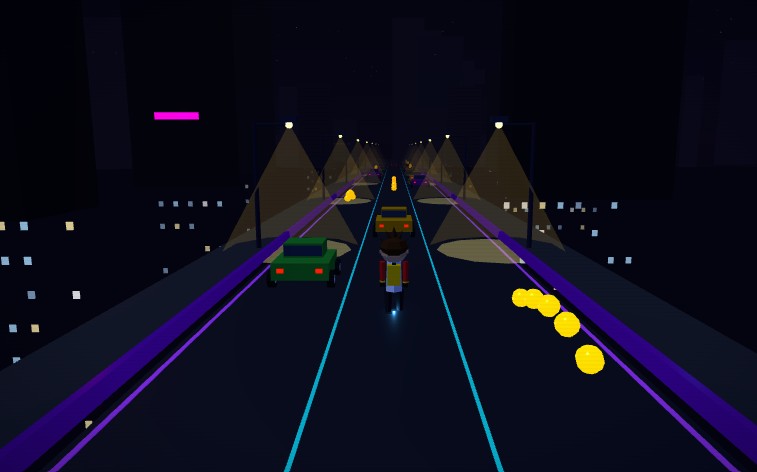
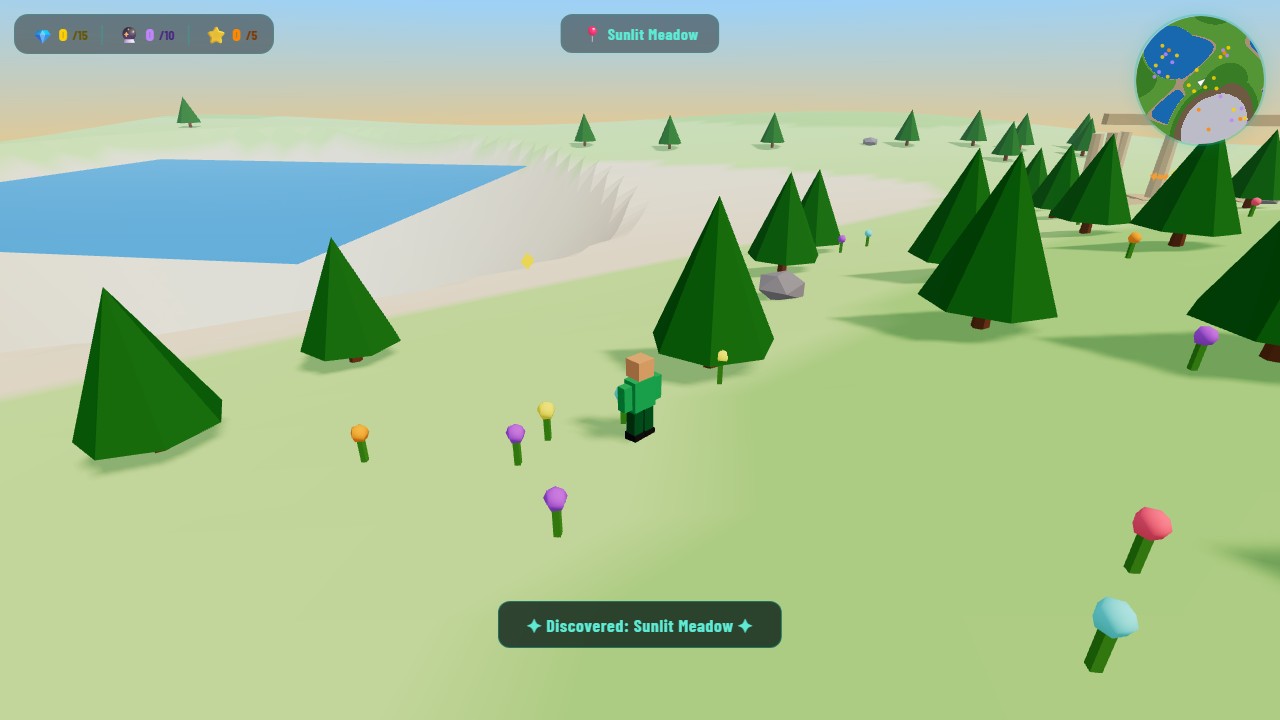
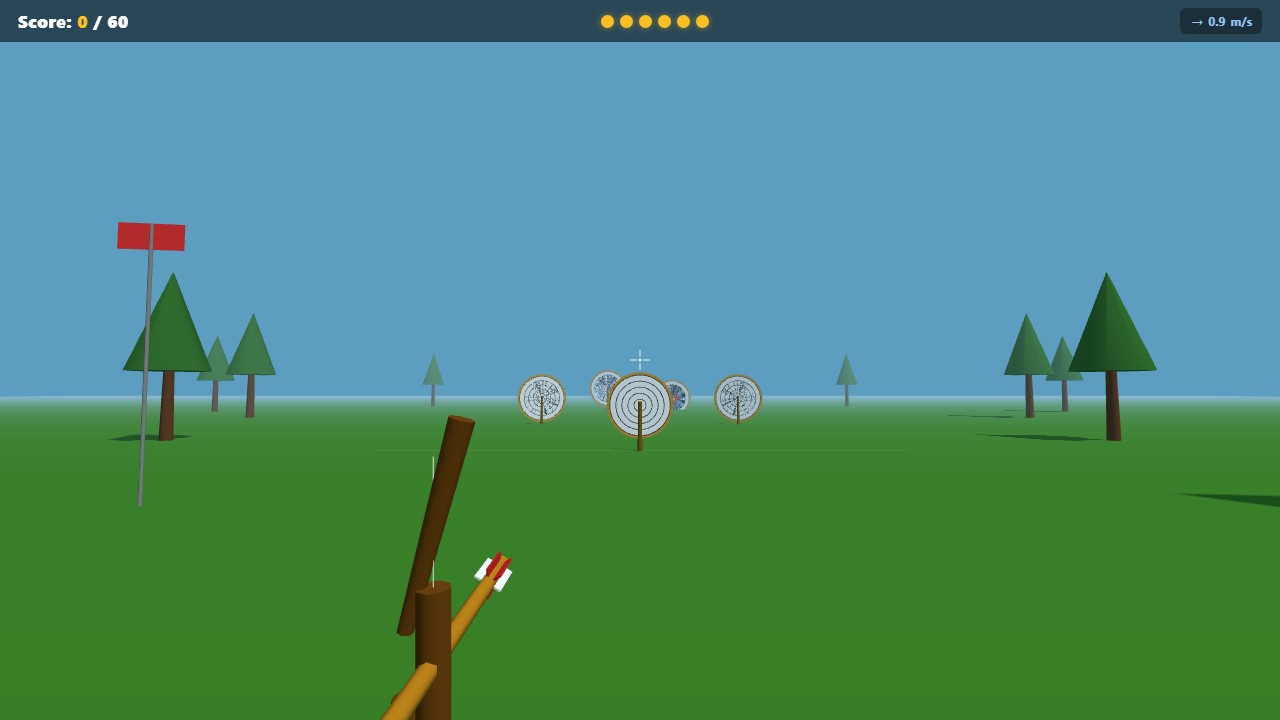
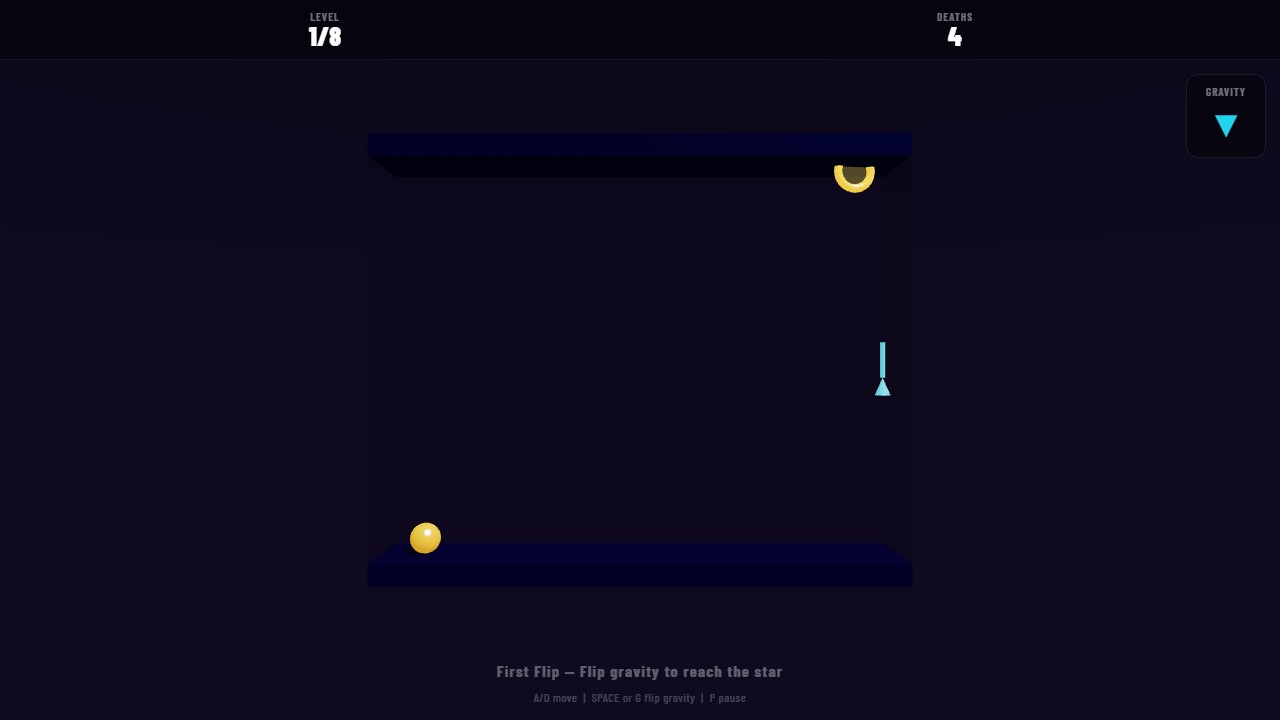
Almost every 3D browser game you play today, including the games on Gameszest, uses Three.js or a similar high-level library. Games like 3D Chess, 3D City Runner, and 3D Drift Racing are all powered by it.
What This Means for Players
The practical result is games that would have required a 200 MB download five years ago now run in a browser tab at a fraction of the size. A fully rendered 3D chess game with piece animations, lighting, and shadows loads in seconds rather than minutes.
Performance has also improved dramatically. WebGL 2, now the standard version, supports modern GPU features like instanced rendering and multi-sample anti-aliasing — the same techniques used in desktop engines like Unity and Unreal.
The Catch
WebGL requires hardware acceleration to be enabled in your browser. On most devices this happens automatically, but some older hardware, virtual machines, or locked-down work computers may have it disabled. If a 3D game shows a black screen or refuses to start, enabling hardware acceleration in your browser settings (usually found under Advanced or System) is the first fix to try.
Browser gaming has come further in the last five years than it did in the previous fifteen. The gap between “what runs in a browser” and “what runs as a native app” is now narrow enough that most casual games fit comfortably on the browser side.