3 New Games: Minesweeper, Sudoku & Carrom
Three new games are live on Gameszest: Minesweeper, Sudoku and Carrom. All free, no download needed, and playable instantly in any browser on desktop or mobile.
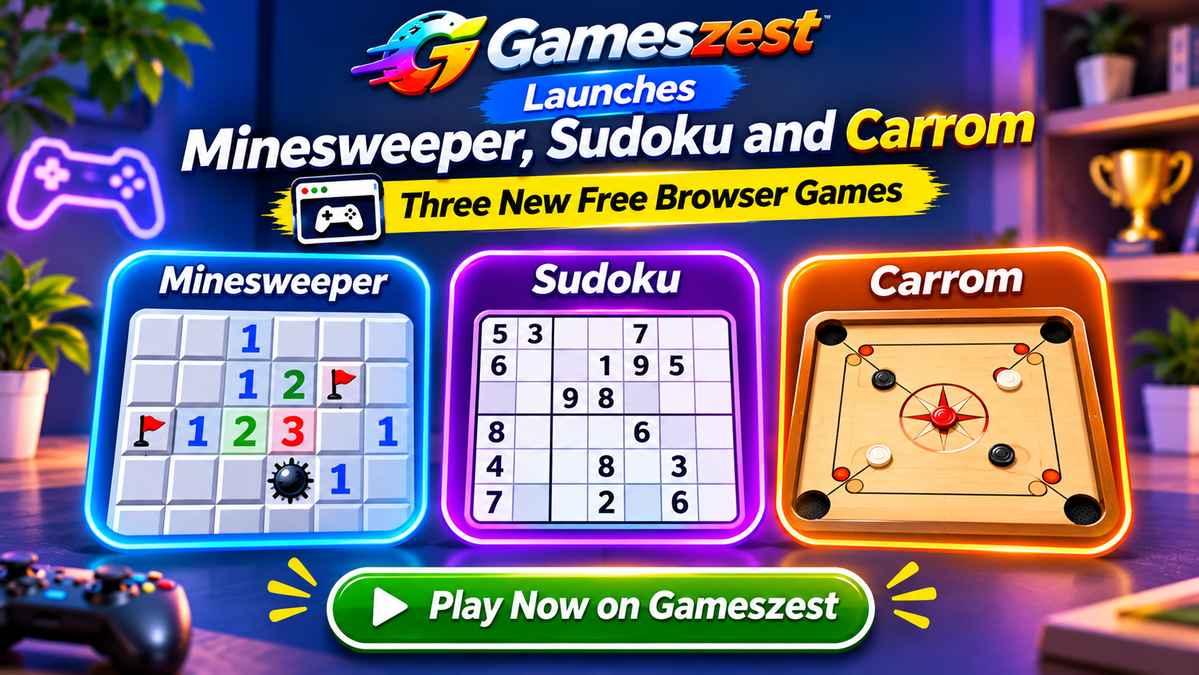
Gameszest has added three new titles to its free browser game library: Minesweeper, Sudoku, and Carrom. All three are live now, completely free, and run instantly in any modern browser - no download, no sign-up, no waiting.
Minesweeper
Minesweeper is one of the most iconic logic puzzles ever made. The board is a grid of hidden squares, some of which conceal mines. Your job is to reveal every safe square without triggering a single one.
Each revealed square shows a number telling you how many of its eight neighbours are mines. Use those numbers to work out which squares are safe to click and which ones to flag. Clear the entire board without hitting a mine and you win.
The Gameszest version offers three difficulty levels to suit every skill level:
- Beginner - a small 9x9 grid with 10 mines. A good starting point if you have never played before.
- Intermediate - a 16x16 grid with 40 mines. Enough room for the logic to get genuinely interesting.
- Expert - a 30x16 grid with 99 mines. A serious test of deduction that will challenge even experienced players.
A flag button lets you mark suspected mines, and a timer tracks how fast you clear each board. Best times are saved locally so you can chase your own records.
Tips for Minesweeper:
- The first click is always safe - the board generates around your first move.
- When a numbered square is touching exactly that many flagged squares, all its remaining neighbours are safe to reveal.
- On an unsolvable corner, make a calculated guess rather than stalling - probability is your friend.
Sudoku
Sudoku is the number-placement puzzle that has appeared in newspapers, apps and books worldwide for decades. The rules are simple: fill a 9x9 grid so that every row, every column and every 3x3 box contains the digits 1 through 9 exactly once. No arithmetic involved - just pure logic.
The Gameszest version comes with four difficulty levels:
- Easy - plenty of given digits to get you started without too much deduction.
- Medium - a step up that requires following chains of logic across the grid.
- Hard - fewer starting numbers and trickier patterns that demand more advanced techniques.
- Expert - for experienced solvers who want a real challenge.
A notes mode lets you pencil in candidate digits for any cell, keeping track of possibilities as you narrow them down. A built-in timer records your solve time, and the game highlights conflicts automatically so you know when a digit is placed incorrectly.
Tips for Sudoku:
- Start with rows, columns or boxes that already have the most given digits - they constrain possibilities the most.
- Use pencil marks to track candidates in every empty cell before committing to any answer.
- When a digit can only go in one cell within a row, column or box, place it there regardless of what that cell’s other candidates are.
Carrom
Carrom brings one of South Asia’s most beloved tabletop games to the browser. The goal is simple: use the striker disc to flick your pieces - called carrom men - into the four corner pockets. Pocket all nine of your pieces before your opponent does and you win.
The Gameszest version features a full physics engine that handles realistic disc collisions, friction and rebound off the cushioned walls. You play as White against an AI opponent playing Black, with the golden Queen piece in the centre of the board worth pocketing early - as long as you can cover it by potting one of your own pieces in the same shot.
Three difficulty levels adjust the AI’s aim accuracy:
- Easy - the AI misses more often, giving you room to build a lead without perfect play.
- Medium - a balanced opponent that takes reasonable shots and covers the Queen when it can.
- Hard - tight aim and smart shot selection. You will need a good technique to beat it.
How to shoot: Drag back from the striker to set your angle and power, then release. The further you pull, the harder the shot. Use the walls to reach pieces hiding behind others.
Tips for Carrom:
- Aim for the Queen early in the game - but make sure you have a piece lined up to cover it in the same shot or the following one.
- Use side cushion shots to reach pieces that have no direct line to a pocket.
- Potting the striker is a foul and costs you a piece - keep your shots controlled.
Play All Three Now
All three games are free and ready to play right now - no account, no install, no interruptions:
They join 38 other free browser games on Gameszest, including Ludo, 3D Chess, Solitaire, Nonogram, Sokoban, and many more. Every title runs entirely in your browser on desktop and mobile - no download required.